Do Small Food Brands Need an ERP? What to Use Until You Do
Most small food and beverage brands don't need food ERP software yet. What an ERP costs in year one, the signs you're ready, and what to run until then.

Article written by
Peasy

An ERP is one system that runs your books and your operations off the same database. A food ERP adds recipes, lot tracking, and quality records on top. Year one starts at about $62,600 in software and setup.
If you're under a few million in revenue, you probably don't need one yet. You need four things done well: lot codes, real unit costs, one stock count across channels, and a clean hand-off to your accountant.
Usually the question comes from someone else. Your accountant says you've outgrown spreadsheets, or an advisor from a big CPG company says it's time. Then you search "food ERP software" and every result is selling one.
We'll go through what an ERP costs, the signs you need one, what to run until then, and how to pick a system. We make Peasy, free inventory ops for that stretch. At the end we'll show where it fits.


What a food ERP is
ERP stands for enterprise resource planning. In practice, that's accounting, purchasing, inventory, production planning (MRP), and sales in one system, all posting to one general ledger.
A food and beverage ERP adds what food makers need on top: recipes and formulas, lot traceability, quality checks, and allergen and shelf-life records. Every department works from the same numbers.
That's the whole pitch. It's a good one if you have a finance team, a plant manager, and a buyer who all need the same data. At five people, you're usually all three.
What an ERP costs in year one
Start with the software. For a business around $1M in revenue, it runs $1,740 to $4,620 a month at 2025 prices. Those numbers come from Software Connect, a software review site.
Then setup, data migration, and consultants add about twice the annual software cost, paid once. Here's year one at the cheap end of that range.
Cost line | Year one, low end |
|---|---|
Software at $1,740 a month | $20,880 |
Implementation, about 2x annual software | $41,760 |
Total before your own time | About $62,600 |
Extra users, where priced per user | $40 to $200 per user a month |
Your time leading the project | On no quote |
Prices from Software Connect's ERP pricing guide, updated July 2025, checked October 2026.
The quotes brands show us look about the same: a five-figure setup, or a subscription in the high hundreds to low thousands a month, before the integrations.
The costs that arrive later
The price on the proposal is rarely what you're paying two years in. We see the same three things come up:
Per-user creep. A seat that cost $100 a month at signing can cost $400 a few renewals later.
Connectors. Each link to Shopify, a 3PL, or a marketplace can carry its own monthly fee, often around $100 per connection.
Seats for the floor. Your warehouse and production crew need logins to record a receipt or a batch, and some ERPs price those as full users.
Why the timelines don't fit your size
The timelines you'll hear come from much bigger companies. In Panorama Consulting's 2026 ERP report, the median respondent had $200.5 million in revenue. The median project took 9 months.
More than a quarter of those projects went over budget. Even the systems Panorama calls "small to midsized" typically serve companies doing $10 million to $250 million a year.
Those companies have people they can hand a project to. At a small manufacturer, the people running daily operations are the same people expected to lead the ERP rollout. Eric Kimberling of Third Stage Consulting makes that point.
If you're five people, that's you, for most of a year, while you're still making product.
Signs you need an ERP
An ERP earns its cost when you need consolidation and audit-grade finance, not a cleaner stock count. Here's what that looks like:
EDI with big retailers, at volume. Large retailers send purchase orders, ship notices, and invoices as X12 EDI documents (the 850, 856, and 810). One retailer, you can key by hand. Several sending them every week, you can't.
More than one entity or plant. Two legal entities, two facilities, or a warehouse network where finance needs consolidated statements.
A month-end QuickBooks can't close. Your bookkeeper reconciles three or more systems by hand every month, and it takes days.
Investors or a lender want audited financials. Audit-grade controls on payables, receivables, and inventory are what an ERP's single ledger is for.
Someone besides you can own the project. You've got an operations or finance hire with time to run a 9-month implementation and keep the system clean after.
If two or three of these are true, start looking. Book demos with your own workflows in hand, not the vendor's script.
Signs you don't need an ERP yet
Most food brands we talk to are here, even ones in national distribution. Here's what that looks like:
The pain is narrow. "I don't know my cost per case." "Shopify says 40 and the shelf says 12." "A buyer asked for lot codes." Each is one problem, and none of them needs a new ledger.
QuickBooks Online still closes the month. If your accountant can book the month from what you send them, the ledger isn't the problem.
Retailers order by email, a portal, or a PDF. That's an order-entry problem. It doesn't need EDI yet.
One entity, one kitchen or co-packer. A second warehouse or a 3PL is a location, not a second company.
Nobody has 9 months. If the project would land on you, it won't get finished.
Early on, we'd say a spreadsheet is fine. Once you're making several products, selling in more than one channel, or someone outside the business asks for lot codes, it's time for a system, just not an ERP.
The switching cost goes up with size
Waiting too long has a cost too. The bigger you get, the harder the move, because years of item, recipe, and order history have to come with you.
So get your records into one place early. Use a tool that doesn't cost what an ERP costs or take an ERP's year.
What a small food brand needs first
Between launch and an ERP, the things that break are pretty specific. Each one has a narrow fix.
Need | Why it matters now | What handles it |
|---|---|---|
One stock count across channels | Shopify, wholesale, and markets keep separate numbers, so you oversell | An inventory system that owns on-hand and sends it to Shopify |
Lot codes on every delivery and batch | A retailer, certifier, or recall will ask which lot went where | Lots recorded at receiving and at production |
Recipes with real unit cost | You can't price wholesale without cost per unit | A recipe with yield, costed from what you paid |
A wholesale ordering path | Orders by email and text get missed or mistyped | An order portal with each buyer's prices |
Buying tied to what's low | Running out of jars or labels stops a run | A minimum per ingredient and packaging item |
A clean hand-off to the books | Your bookkeeper needs invoices, bills, and COGS | QuickBooks Online as the ledger, fed by the inventory system |
At your size, QuickBooks Online is a fine ledger. It tracks stock for items you buy and resell, valued FIFO or moving average. What it doesn't do is turn ingredients into finished goods.
An inventory system fills that gap. We cover where the line sits in what QuickBooks can't track for a food brand.
Start with one workflow
Don't move everything at once, and don't start two weeks before your busy season. Pick one workflow that runs end to end and get it routine.
For most brands, that's buying and receiving raw materials, or sales orders and finished goods. Then add production, then the other half.
Before you log sales in the new system, do a full physical count. Every number after that starts from it, so that count is what makes them worth trusting.
How to pick a system without getting burned
Most brands that come to us have been burned once. The stories repeat, so the questions you should ask do too.
Ask to see your workflow, not theirs. Bring one real recipe, one real purchase order, and one real wholesale order. A system that "can do everything" in the demo can still mean two months of workarounds.
Get every integration priced in writing. Otherwise you find connectors on the bill that never came up in the sales call.
Ask who does the setup. Paid systems often charge an onboarding fee and hand you a self-serve build. If the implementation lead leaves mid-project, the fee doesn't come back.
Ask how a recipe change works. If your formulas change often, keeping build sheets current shouldn't take an hour a week.
Ask whether it's built to be customized. A system designed to be configured assumes you have someone whose job is managing it. If you don't, the setup stalls.
Ask what a floor login costs. If the crew can't record a receipt without a full seat, they'll go back to paper.
Load the data the way the system wants it
The failure we see most is a rushed setup. The same ingredient ends up entered three or four times, and every report after that is wrong.
So slow the setup down. Lay your items and recipes out the way the system models them, not the way your spreadsheet did. Then do one product end to end before you load the rest.
When to revisit the ERP decision
Look at it once a year, and sooner if one of the triggers above turns true. The usual moments are a second entity, a big-box retailer on EDI, or an investor asking for audited statements.
When you do move, clean data decides how hard it is. If you're leaving Excel and QuickBooks, you'll have more cleanup than a bigger company moving from one ERP to another. Kimberling makes that point about small manufacturers.
If your lots, recipes, and orders are already in one place, that job gets a lot smaller.
Common mistakes when deciding on a food ERP
Buying for the company you'll be in five years. You pay for the five-year version now and run the one-year business on top of it, often still in spreadsheets.
Treating an advisor's "get an ERP" as a diagnosis. Ask which of the triggers above is true. If none is, fix the narrow problem instead.
Letting the ERP own a job it does badly. Even brands deep into an ERP rollout often keep the batch log or forecast in a sheet, because the ERP plans only from booked orders.
Skipping the year-end count problem. If you can only value inventory by counting once a year, your balance sheet is a guess. A system that values stock as you receive and make fixes that before an ERP would.
Bundling the books into the operations tool too early. An ERP that's also your accounting system is twice as hard to leave. Keep QuickBooks Online as the ledger until you really need one ledger for everything.
How Peasy handles the stretch before an ERP
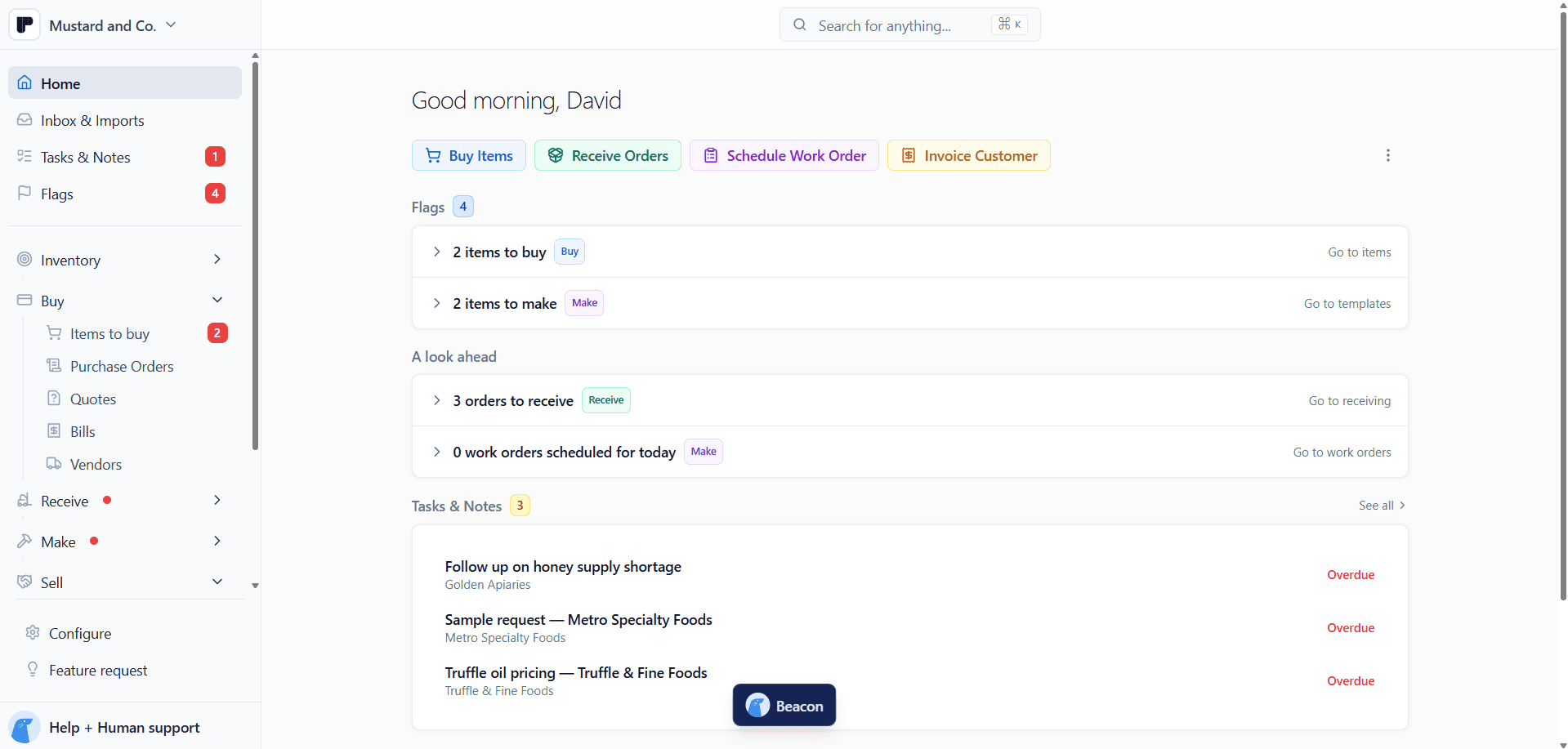
Peasy is free inventory ops for CPG brands: everything you buy, receive, make, and sell in one place. It's built for the stretch before an ERP, when you've outgrown spreadsheets and aren't ready for one.
Recipes with a real cost. Each recipe is a Template, and its Unit cost updates when ingredient prices change. Mark as Done on a Work Order takes the ingredients out, adds the finished goods, and records the batch lot.
Lots with nothing to switch on. Every purchase order you receive and every work order you complete creates a lot, with room for the supplier's lot ID next to yours.
One count for Shopify. Every stock change in Peasy sends the new count to your Shopify store, usually within seconds and always within about a minute.
Wholesale orders in one place. Buyers order from your Storefront at their own Catalog prices, and each order lands as a draft sales order for you to confirm.
Buying from what's low. Set a Restock Point on each ingredient and packaging item, and the Order view shows everything that has dropped below it.
QuickBooks Online stays the books. Customers and vendors sync both ways, invoices and bills go across, and the Month-end COGS report gives your accountant what you sold and what it cost.
Peasy doesn't run a general ledger or trade EDI documents. When you need either, that's your ERP moment, and your lots, recipes, and orders will already be in one place to move.
Peasy is free, with no subscription and no cap on items, users, or orders. The Peasy for food makers guide has the details.
Article written by
Peasy