Peasy for
Buying
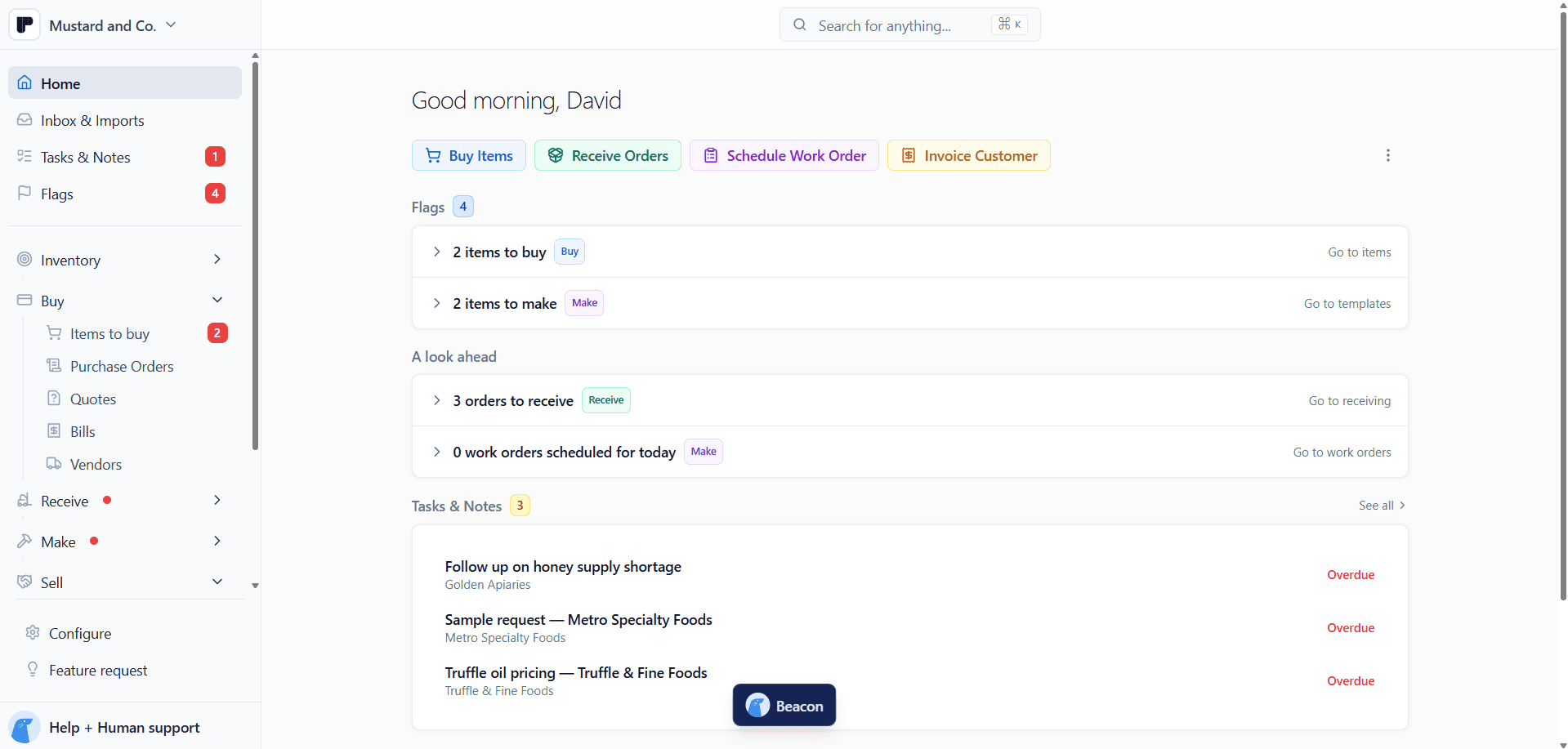
Get your purchase orders in order.
Ingredients, packaging, and labels, across all of your suppliers, in one Peasy universal cart. See what needs restocking, compare quotes, and send all the day's POs in just one tab.



Purchasing that thinks like you do.
Capture quantities, lot codes, and landed costs while the truck is still at the dock. Flag anything short or damaged, and inventory updates as you receive.

Keep purchasing in step with production.
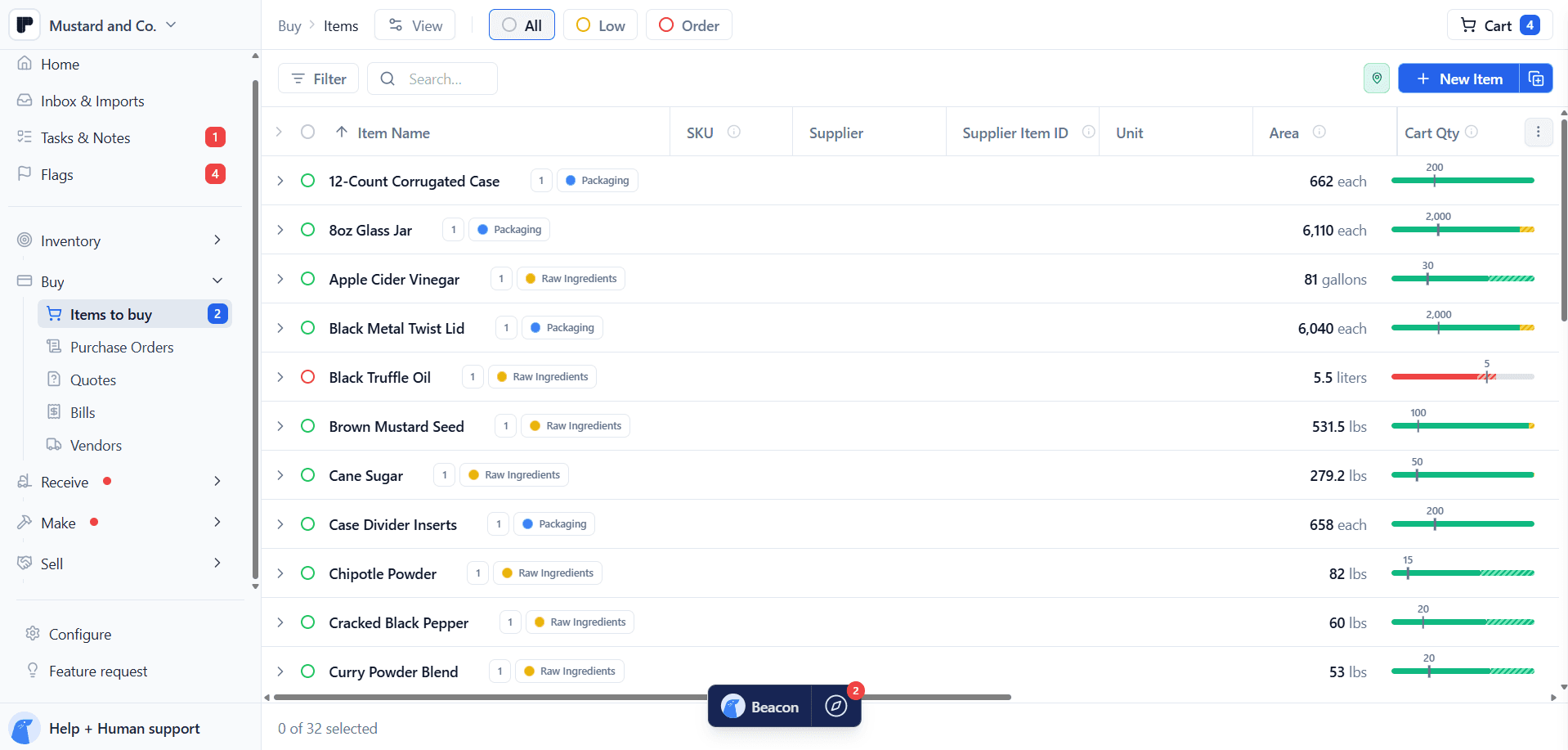
See which ingredients and packaging need restocking, account for what's already coming, and add the remaining quantities to your universal cart. All in one motion.

Line up the details. Send the orders.
Compare supplier quotes, check quantities and delivery dates, and review each PO before it goes out. Send what's ready and save the rest for Later.


Features
Everything you need to buy, in one tab.

Add ingredients, jars, and labels. Peasy groups them by supplier and receiving location, ready to review and send.

Fill the gap, with incoming stock and items in your cart or Later already accounted for.

Upload a PDF or image, forward the invoice email, or import a spreadsheet with saved column mappings. Review the details.
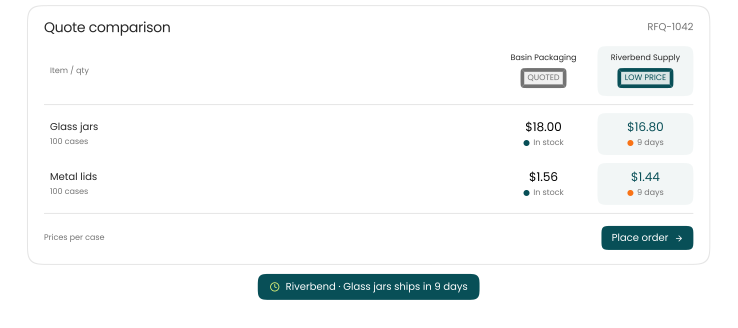
Ask several suppliers at once. Collect replies by link or log quotes, then compare cost, availability, and lead time.

What’s ordered, what’s arrived, what’s billed. Keep the whole purchase in view.

Freight counts, too. Add it to received stock costs, or save a shipping estimate for each item.

Connect purchase and inventory units so quantities and costs stay clear. Compare supplier prices per inventory unit.
Check supplier spend minimums and item minimum order quantities as you build your cart. Park a supplier’s order in Later.
Backorder? Move selected items to their own PO. Or build a one-off PO directly, review, and send.
Use Low and Order views, flag items before their threshold, or snooze a reminder back to your To-Dos.
Handle every step of your purchasing.
Carry a quote into a PO, no retyping. Duplicate an RFQ or past PO, then review before sending.
Match invoice lines to POs and see what’s already been billed. Start a bill from a PO or while receiving.
Ready to pay or waiting on bank details? Choose a funding source, or log payments made outside Peasy.
Track order statuses, expected dates, carrier, and tracking number. Open receiving from any PO, item, or supplier.
Ask Beacon to add items to your cart. Get restock-point recommendations based on your history, lead times, and safety buffer.

Keep supplier records and purchasing items aligned with QuickBooks. Paste or upload your supplier list in bulk.
Your account number, ordering method, lead time, and terms. Plus spec sheets, COAs, and BOLs kept with the supplier or item.
Set your usual message and CCs, adjust each send, or take the PO along as a PDF or printed copy.
Need your POs in a spreadsheet? Export selected orders or filtered bills to CSV for analysis or an accounting review.
And more
Plus all the details that save you time.
Smarter ordering
Compare prices, apples to apples
Cases of 12 or 24? Compare supplier prices per inventory unit, whatever the pack size.
Repeat an RFQ
Same ingredients, new prices? Duplicate an RFQ, review it, and request fresh quotes.
Get restock-point recommendations
AI suggests, you decide. Review restock points based on your history, lead times, and safety buffer.
Orders in motion
Order for multiple locations
Two locations, one cart. Get separate POs for each supplier and receiving location.
Keep shipment details with the PO
Carrier and tracking number, right with the PO. Ready for the next “where’s that delivery?”
Receive from a PO, item, or supplier
Delivery here? Open receiving from the PO, item, or supplier you’re already working with.
Bills and paperwork
Forward an invoice. Start a bill.
Send the supplier’s invoice email to Peasy, then review the extracted bill details.
Import supplier bills from spreadsheets
Reuse your column mappings, then review the bill details. Less setup for the next spreadsheet.
Create a bill from a PO or while receiving
Start with the PO details, or create the bill while receiving. Keep the paperwork moving.
Keep supplier and item documents handy
Spec sheets, COAs, BOLs. Keep them with the supplier or item so you know where to look.
Pricing
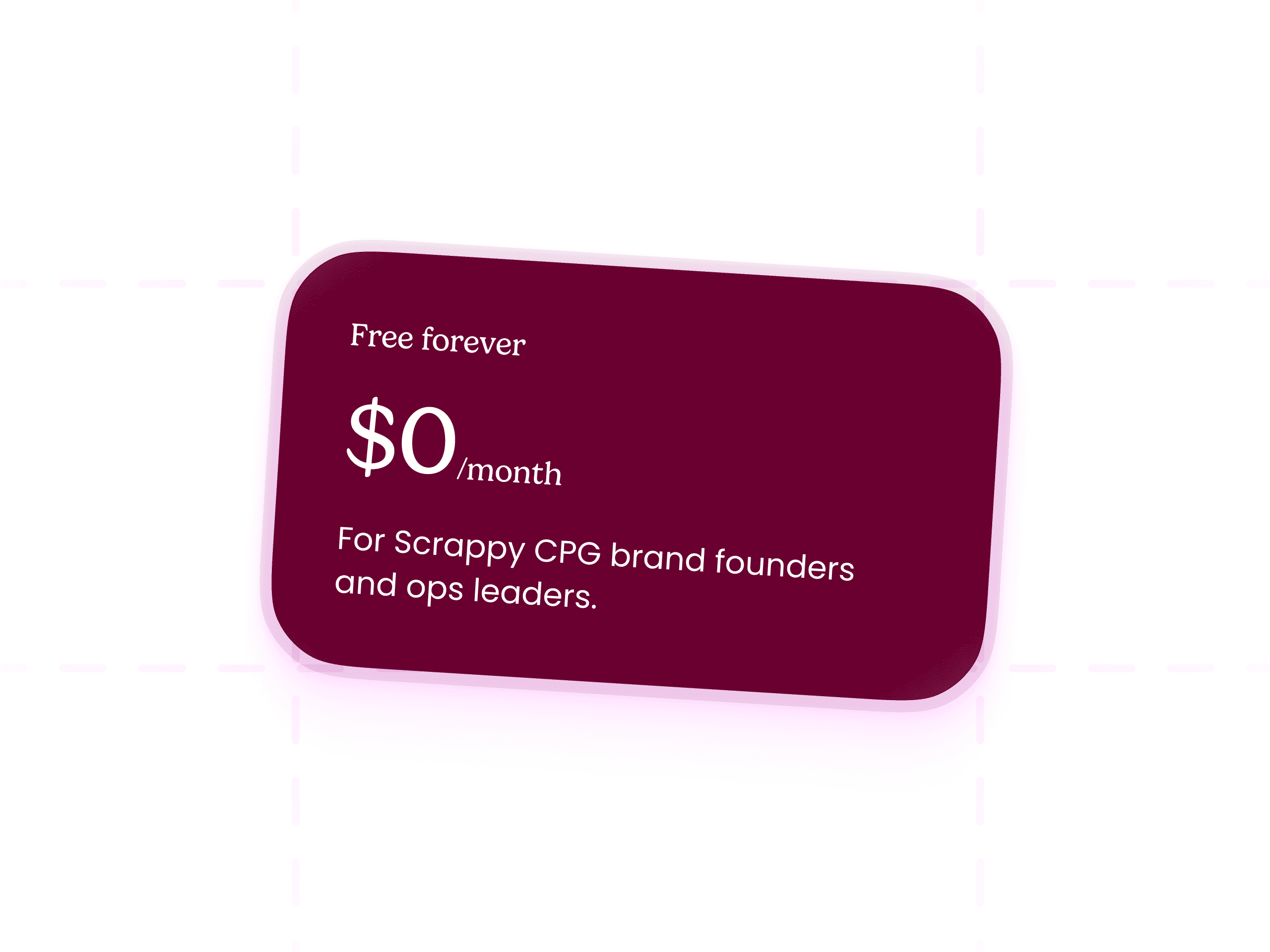
Peasy is free. Seriously.
What’s included:
Full Buy, Receive, Make, Sell workflows
All the features.
Hands-on support from the Peasy team
Beacon AI Assistant
FAQs
Questions you probably have


Is Peasy really free?
Yes, genuinely free. Unlimited users, unlimited SKUs, unlimited actions, and real onboarding, all for $0/month. There's no free trial that flips to paid, no per-seat pricing, and no credit card required to start. We're former CPG founders who ran a mustard brand on a tangle of Google Sheets for years, and charging scrappy brands high monthly fees to escape that never sat right with us. So we don't.