Peasy for
Receiving
Good things come in tracked packages
Check in deliveries, capture lot codes and landed costs, and flag anything short or damaged. Your inventory updates as you receive, with the receipts to back it up.



Put every delivery to work.
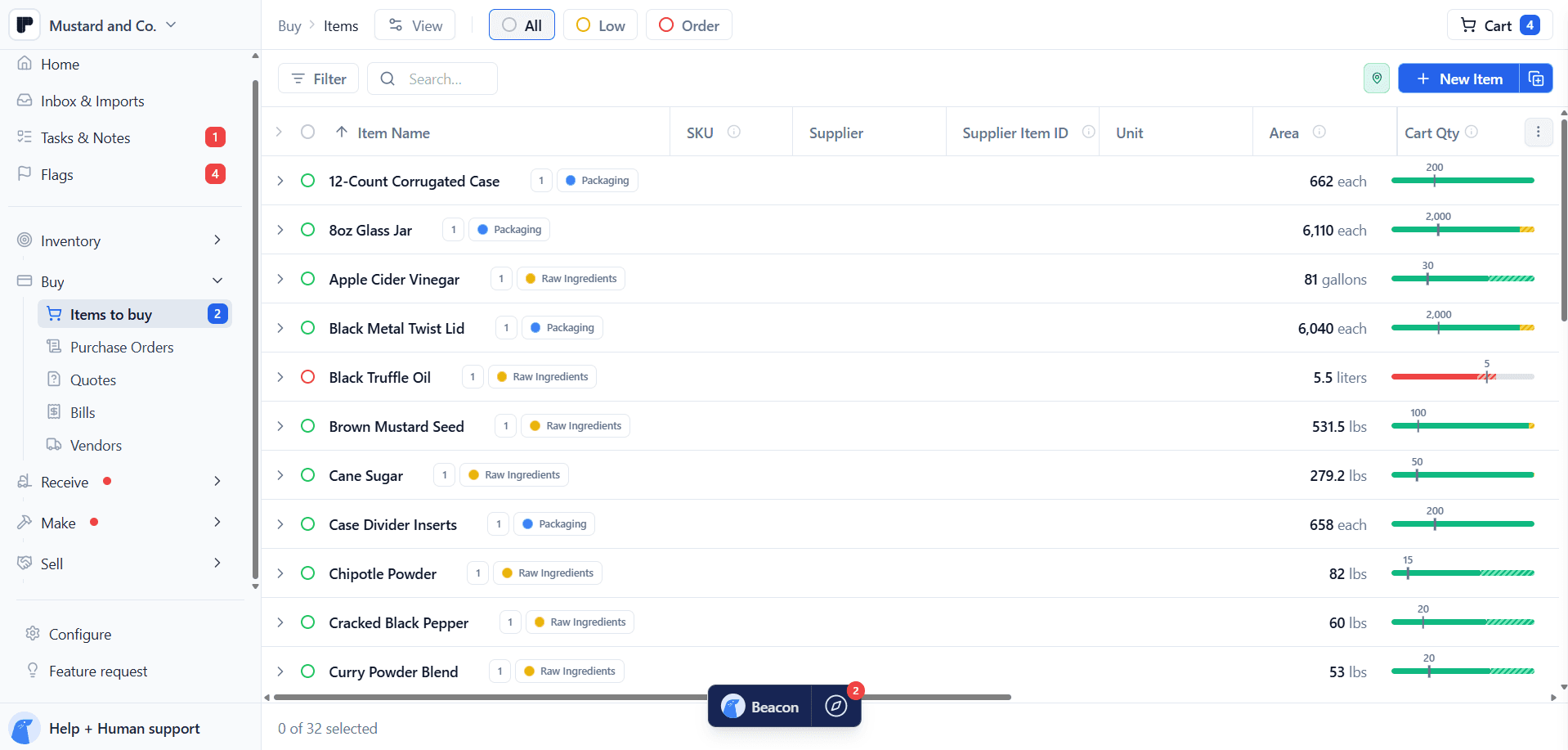
A delivery brings more than stock. It brings lot codes, costs, quality checks, and the details your next production run depends on. Capture them while you receive, and update inventory in the same motion.

Short shipment? Keep the receipts.
Broken jars. Missing cases. Ingredients too close to their expiration date. Record what's wrong, attach photos, and turn the details into a supplier credit-request draft. Review and send it while the evidence is fresh.

Keep the paper trail in one tab.
Packing slips, lot codes, freight costs, and vendor bills belong with the goods they describe. Keep them connected to the receipt, ready for the next cost check, production run, or supplier conversation.


Features
Everything you need to receive and record every delivery.

Check in multiple PO lines with quantities, costs, and lot codes side by side. Works in your mobile browser, too.

Receive in the delivery's unit. Enter a per-unit cost or the full line total, and Peasy converts quantities and costs.

Turn rejection details and photos into a vendor email draft. Review it before sending.

Log rejected quantities, reasons, notes, and photos. Add custom QA fields for the checks your team makes.

Keep supplier lot codes and your own lot IDs with every delivery. Attach COAs, BOLs, and specs to the receipt.
Connect every delivery to the rest of your work.

Link a vendor bill or create one while you check in. See freight on each receipt, then adjust its share.

See what's ordered, what's arrived, and what's still on the way. Use the Due view and editable ETAs.
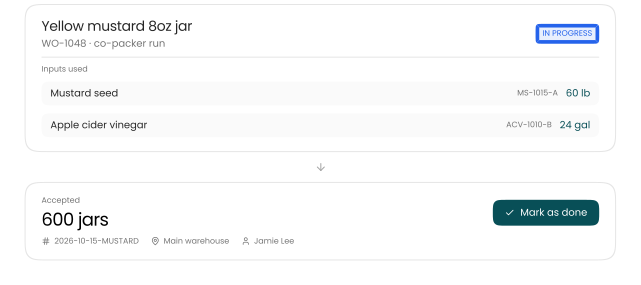
Receive finished goods and complete the linked work order from the same flow.

Log samples, walk-ins, and emergency restocks without creating a purchase order.
Check in what arrived. Accepted stock updates at the location where it landed: warehouse, kitchen, or co-packer.
Eight cases today, two next week. Keep the rest open, or close it without adding stock that never arrived.
Fix quantities, dates, lots, costs, or locations in history. Cost corrections flow into linked production inputs and sales costs.
And more
Plus all the details that save you time.
Accuracy and QA
Custom receiving QA
Add custom QA fields for the checks your team makes on every delivery.
Per case or line total? Your call.
Enter a per-unit cost or the full line total. Peasy handles the conversion.
Short shipment? Close the loose end.
Close an undelivered PO remainder without adding stock that never arrived.
Where and when
Put stock in its proper place
Receive to the warehouse, kitchen, or co-packer location where the goods actually landed.
See what’s due before the truck arrives
Use the Due view and editable ETAs to keep expected deliveries on your radar.
Check in deliveries from your phone
Use the receiving form in your mobile browser while you’re with the shipment.
Pricing
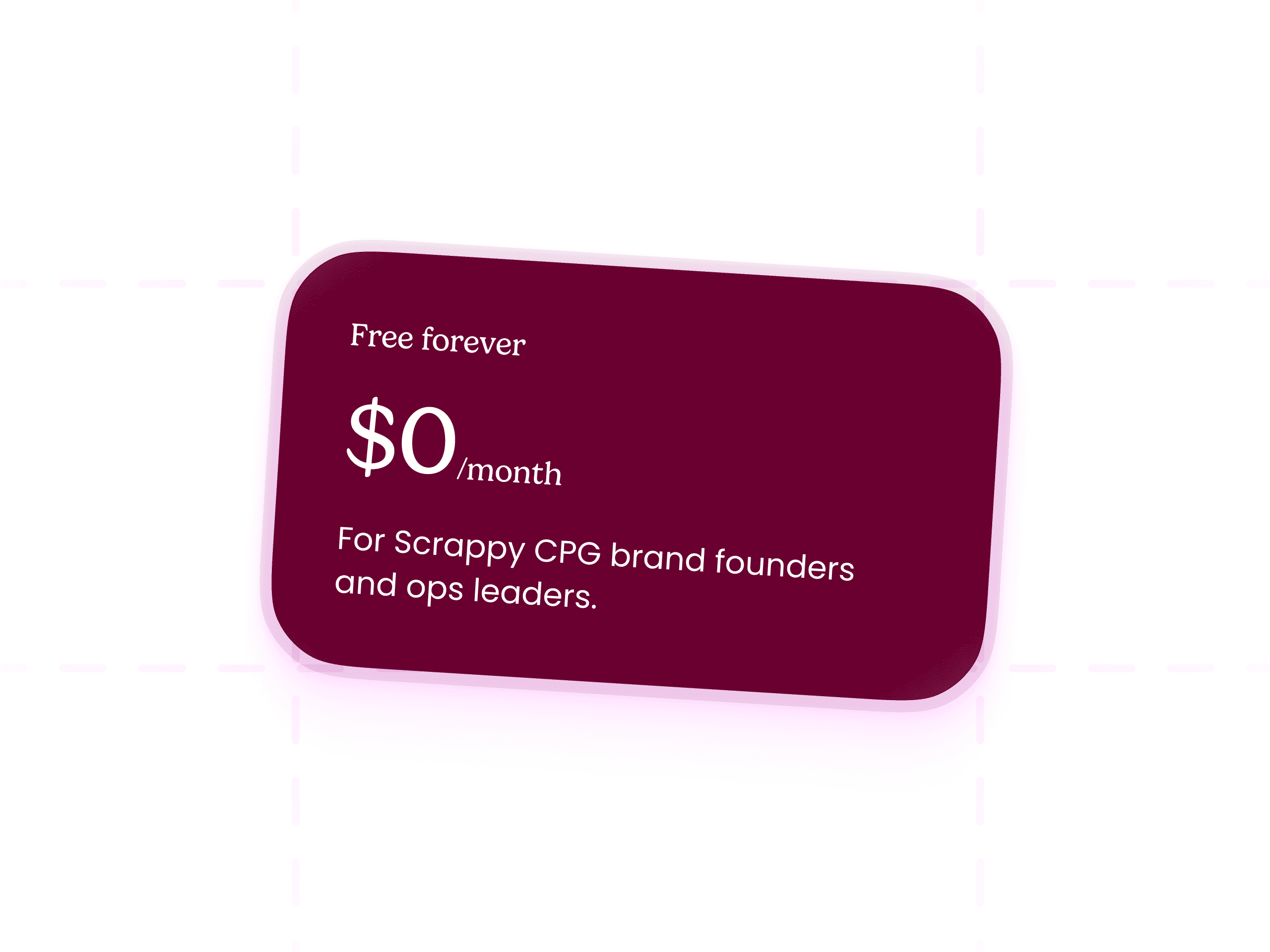
Peasy is free. Seriously.
What’s included:
Full Buy, Receive, Make, Sell workflows
All the features.
Hands-on support from the Peasy team
Beacon AI Assistant
FAQs
Questions you probably have


Is Peasy really free?
Yes, genuinely free. Unlimited users, unlimited SKUs, unlimited actions, and real onboarding, all for $0/month. There's no free trial that flips to paid, no per-seat pricing, and no credit card required to start. We're former CPG founders who ran a mustard brand on a tangle of Google Sheets for years, and charging scrappy brands high monthly fees to escape that never sat right with us. So we don't.