Peasy for
Selling
Keep the orders coming. And going.
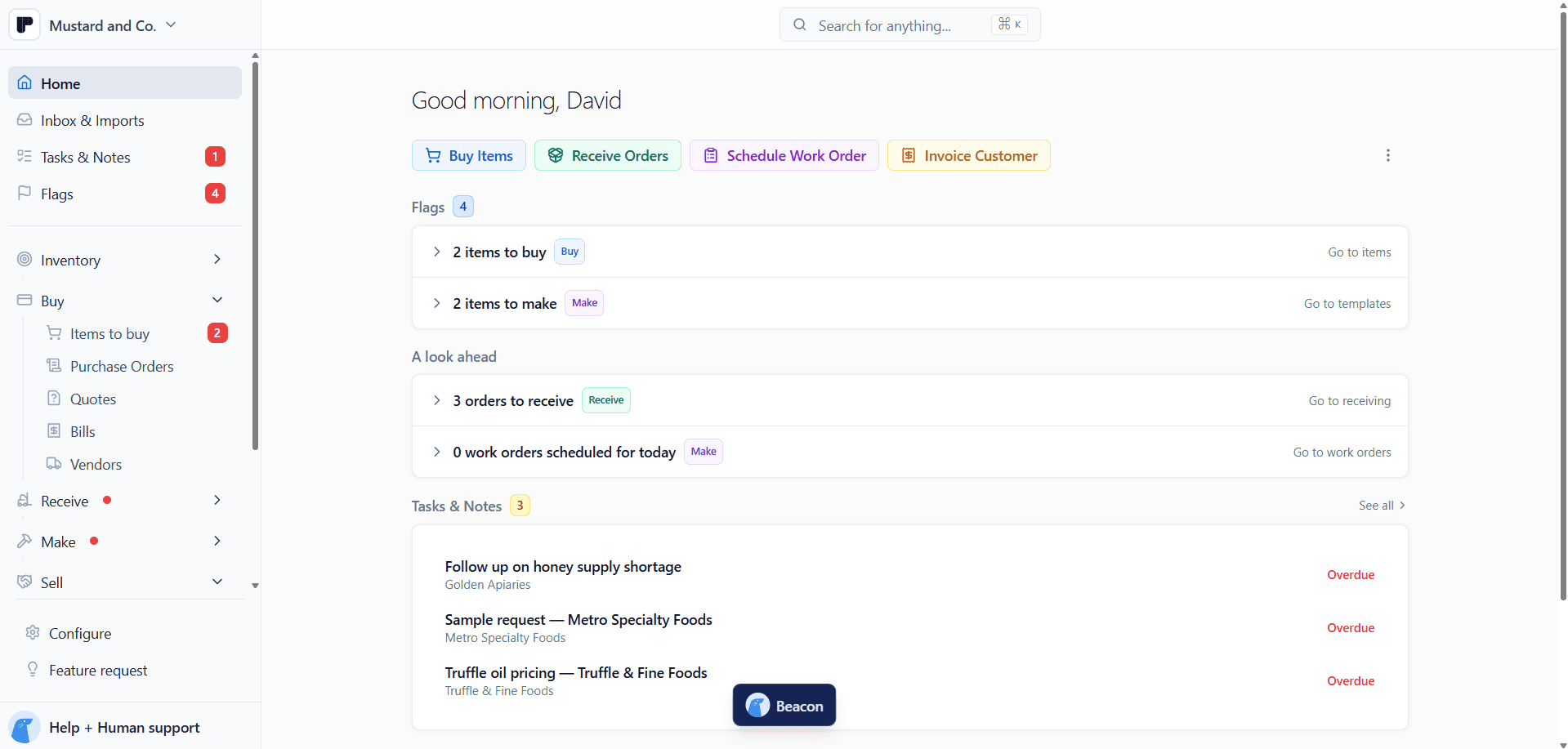
Give wholesale customers a place to shop, turn incoming POs into sales orders, and keep shipments, invoices, and payments moving. Track samples and reorder reminders so the next sale doesn't get lost in the shuffle.



Make it easy to do business.
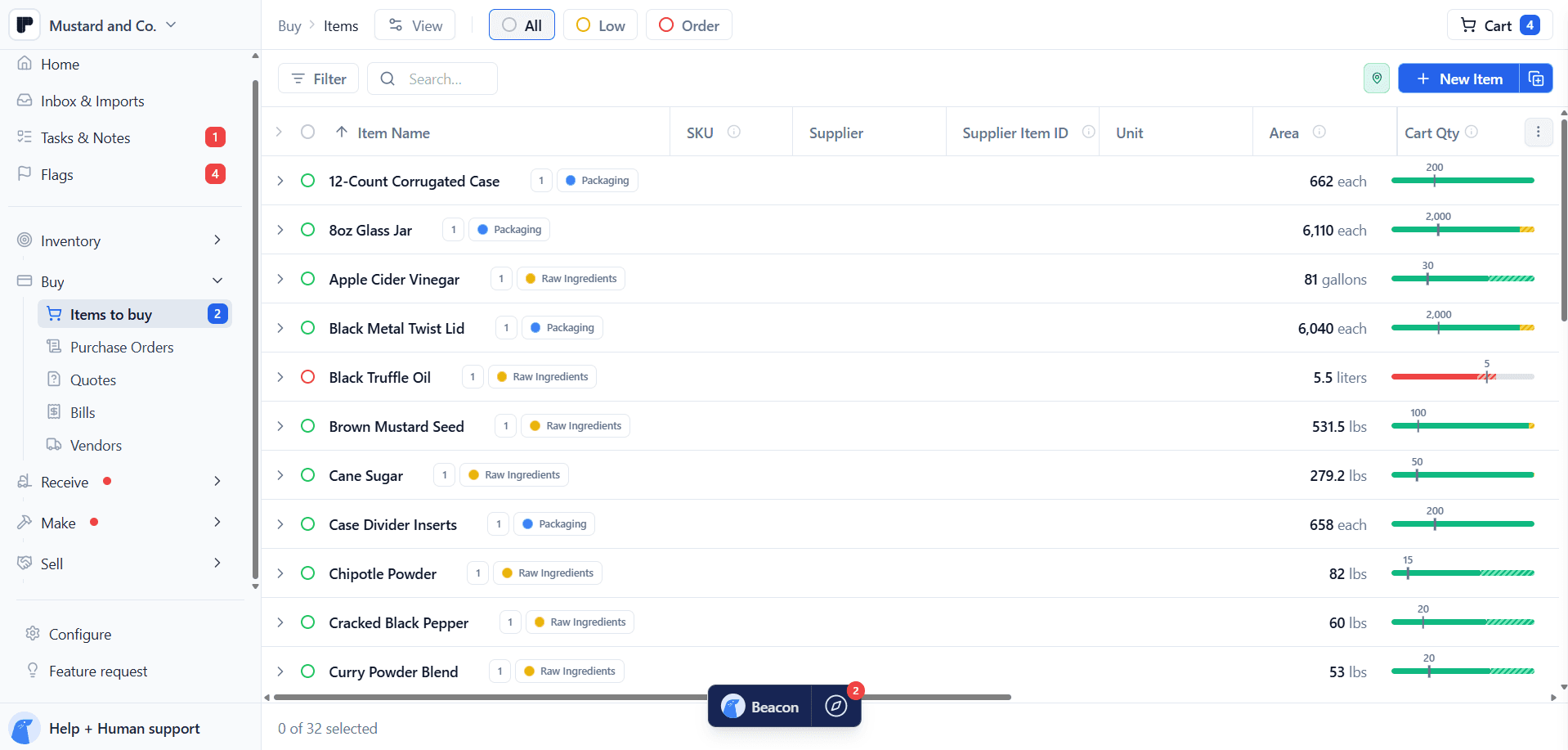
Give wholesale buyers a storefront with their products and prices. Accept orders by email, PDF, or spreadsheet in your custom Peasy Inbox. However they buy, you’re open for business.

A smooth sale-ing operation.
From the first case shipped to the last invoice paid, keep the whole sale in view. Split shipments, send invoices, and follow up on payments, with every detail tied to the customer’s order.

Future orders on your radar.
Keep samples, customer history, and reorder reminders in view. Know who’s tried your product, who’s due for a restock, and where a timely follow-up could turn into the next sale.


Features
Everything you need to take and manage orders.

Share a branded storefront with the products and prices each buyer should see. Invite customers, and keep prices behind sign-in.

Give wholesale accounts and distributors their own products and pricing. Keep retail-only items out, and edit catalogs in one pass.

A case of 12 and a single jar draw from the same stock. Bundles and kits deduct components when they ship.

Fill in quantities in a searchable order form. Set dollar and product minimums. Buyers preview the order before sending.

See what's on the shelf, what's spoken for, and what's left. Save the customer's target date to line up orders.

Collect customer order emails and attachments in one place. Import PDFs, spreadsheets, and photos, then review the orders in Peasy.

Pick the customer, add products, and keep their PO number with the order. Copy a previous order to repeat it.
Keep terms, addresses, and order history together. Add sub-customers for each location and your own custom fields.
Paste customers from a spreadsheet, including terms, catalogs, and shipping details. Export customers and invoices to CSV.
Group sales by channel, from distributor orders to farmers markets. As Shopify orders ship, linked stock updates in Peasy.
Follow every order from shipment to payment.

What's ordered, what's out the door, what's still to bill. Keep the whole sale in view.

Use the customer's default warehouse or choose another. Schedule a future ship date, and keep carrier and tracking with it.

Pick the lot that ships, even across batches. Print packing slips for one shipment or a whole batch.


Let customers pay by bank transfer or card through Peasy Payments. Schedule reminders that stop once the balance is paid.

See what's paid, coming due, or overdue, with the balance still owed. Log full or partial payments made outside Peasy.
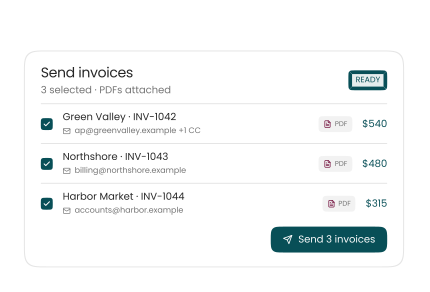
Check emails and send invoices together with their PDFs. Buyer, billing contact, and CCs stay on the customer record.

Send invoices to QuickBooks and keep payments tied to the right invoice. Import existing QuickBooks invoices to track balances.
Use past ordering patterns to spot customers ready for a restock. Add a free sample and link a follow-up.
Recommend up to three fellow brands through the Peasy Wholesale Co-op.
Ask Beacon to change customer terms or order dates. Review the changes before applying.
Save filters and columns for orders to ship and invoices to follow up.
And more
Plus all the details that save you time.
Storefront and catalogs
Choose what each customer can order
Keep retail-only products out of your wholesale catalog.
Update a whole catalog in one pass
Edit prices, margins, markup, and visibility together. Review before saving.
Sell bundles and kits from the stock you have
Sell the bundle as one item. Deduct its components when it ships.
Keep wholesale prices behind sign-in
Let visitors browse products, then sign in to see their catalog prices.
Set minimums that fit wholesale orders
Set a dollar minimum for the cart and a minimum quantity for each product.
Invite your customers to the storefront
Review invitations one by one or in a batch, then send now or save drafts.
Let buyers check the order before they send it
Preview the order and add delivery instructions before submitting.
Orders and shipping
Import what you have in bulk
PDFs, spreadsheets, photos. Bring what your customers send and review the orders in Peasy.
Repeat orders. Less repeat typing.
Quickly copy a previous order to repeat it, then make any changes you need.
Ship what you have. Send the rest later.
Ship eight cases now and the other four later, with both shipments on the same order.
Schedule shipments ahead of time
Set a future ship date. Keep the stock reserved until that day.
Keep tracking details with the shipment
Keep the carrier, tracking number, and shipment dates with the order.
Packing slips, ready to go
Print packing slips for one shipment or a whole batch of orders.
Payments and QuickBooks
Record payments made outside Peasy
Check, cash, or bank transfer. Log full or partial payments against the invoice.
Let Peasy chase down payments
Schedule reminders for unpaid invoices. Peasy stops the nudges once the balance is paid.
Bring QuickBooks invoices into Peasy
Import existing QuickBooks invoices to track balances and collect payments in Peasy.
Customers and channels
Keep every customer location under one account
Create sub-customers for each location and see their orders under the parent account.
Add the custom fields your business needs
Add your own customer and order fields for account numbers, regions, and more.
Keep Shopify sales tied to your stock
As Shopify orders ship, linked stock updates in Peasy when order sync is enabled.
Pricing
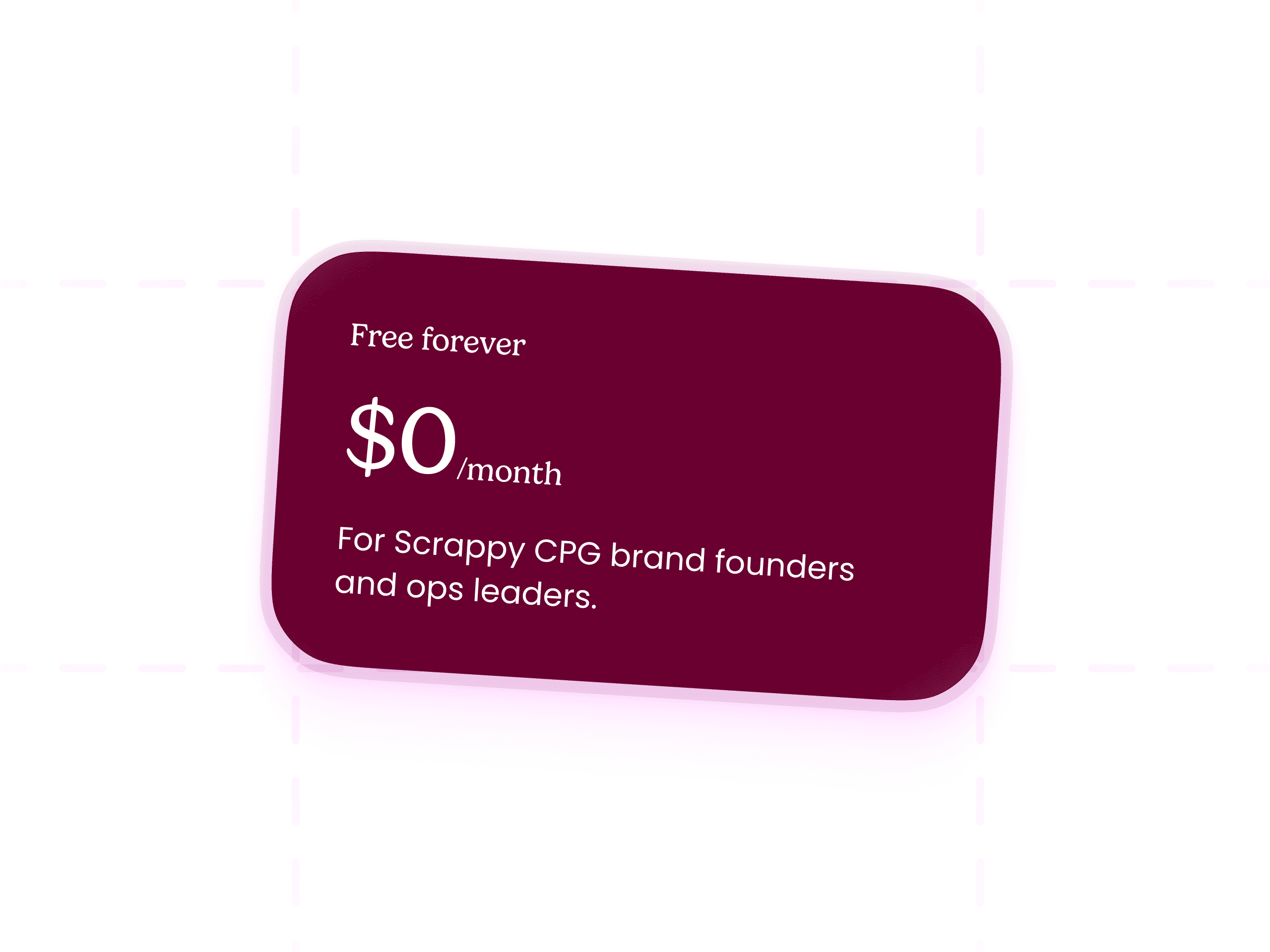
Peasy is free. Seriously.
What’s included:
Full Buy, Receive, Make, Sell workflows
All the features.
Hands-on support from the Peasy team
Beacon AI Assistant
FAQs
Questions you probably have


Is Peasy really free?
Yes, genuinely free. Unlimited users, unlimited SKUs, unlimited actions, and real onboarding, all for $0/month. There's no free trial that flips to paid, no per-seat pricing, and no credit card required to start. We're former CPG founders who ran a mustard brand on a tangle of Google Sheets for years, and charging scrappy brands high monthly fees to escape that never sat right with us. So we don't.