The CPG Tech Stack for a Small Brand, Stage by Stage
The CPG tech stack for a small brand, stage by stage: what to run at launch, what wholesale adds, what a growing brand needs, and what can wait for years.

Article written by
Peasy

Search "CPG software" and you get lists built for brands with a finance team: ERPs, trade promotion suites, retail analytics. If you're a team of one to ten, your list is shorter, and most of it is cheap or free.
You need less than the vendors say, at every stage. At launch, Shopify, QuickBooks Online, and a spreadsheet cover it. Your first wholesale accounts add an ordering path, price lists, lot codes, and invoices on terms.
Once you make several products or work with a co-packer, you need an inventory system that ties stock, recipes, and lots together. EDI, warehouse software, and an ERP can wait, usually for years.
We'll go stage by stage, then cover what can wait, how the pieces fit, and what it all costs. We make Peasy, free inventory ops for small CPG brands, and we'll walk through where it fits in the stack.


What's in a CPG tech stack
CPG software is a loose label. It's every tool a consumer goods brand might run, from your online store to sell-through data from a grocery chain.
Most lists sort it into these categories:
Ecommerce: your store, checkout, and shipping labels.
Wholesale ordering: how stores and distributors place orders at their own prices.
Inventory and production: stock, recipes, batches, lot codes, and purchasing.
Accounting: the books, sales tax, and the P&L.
EDI: the electronic order format that large retailers and distributors require.
Warehouse software: picking, packing, and shipping inside a warehouse.
ERP: one system that runs accounting, inventory, and operations together.
Retail and trade analytics: sell-through, promotions, and deductions at chain retailers.
You need the first four. The rest show up when a specific customer or partner requires them, not before.
The rule that holds at every stage is one system of record per job. Shopify owns web sales, QuickBooks owns the books, and one place owns the physical count.
The reason is simple. If two systems count the same stock, you end up with two numbers and no way to tell which is right.
Stage 1: CPG software at launch
You're here if you sell mostly direct, through your site and a few markets, and make small runs yourself or with a turnkey co-packer. This setup can carry you for a while.
Four tools cover it:
Shopify: checkout, shipping labels, and a count of how many finished units you can sell at each location.
QuickBooks Online: bank feeds, sales tax, and a P&L your accountant can read.
A spreadsheet: ingredients, packaging, and finished stock. With a few products and one person editing, it's enough.
Invoices from QuickBooks: for the first few wholesale orders, before you need a real wholesale process.
Where Shopify and QuickBooks stop
Shopify knows how many jars you can sell. It doesn't know about the ingredients, the empty jars, or which batch a jar came from.
QuickBooks Online does track inventory, on the Plus and Advanced plans, with an add-on for the lower plans. It's good at goods you buy and resell unchanged. It isn't built for turning ingredients into finished product.
So if you make what you sell, don't rebuild your recipes inside QuickBooks. Keep it for the books, and let the count live somewhere else.
When the spreadsheet stops working
The sheet holds up longer than people expect. The test we use is simple. If you aren't missing production runs for want of an ingredient, or missing sales because you're out of stock, it's still doing its job.
Where it usually breaks is a second person editing it, or one ingredient lot feeding several batches. Our guide to moving inventory off spreadsheets covers what breaks first.
Setup is a lot easier at five SKUs than at 50. So moving early costs less than moving late, as long as the tool you move to is free to sit in.
Stage 2: First wholesale and retail accounts
You're here when a store emails an order at a price your website doesn't show. Those orders skip your checkout and get paid later, so four new jobs land at once.
A way for buyers to order
Stores tell you how they'll order, and you rarely get to choose. An order might come by text, in an email body, as a PDF, or as a photo of a handwritten list.
An order that lives only in your inbox never comes off your count. So whatever form it arrives in, get every order into one place.
Three common paths:
An order form: free and quick to set up, but someone retypes every order.
A buyer portal: each account signs in, sees its own prices and minimums, and places the order itself.
Shopify B2B: available on the Basic, Grow, Advanced, and Plus plans, with up to 3 active catalogs below Plus.
Faire is a separate channel. It finds you retailers and gives them "60 days to pay, interest free". Those orders sit in Faire, though, and they still have to reach your count.
Our guide to managing inventory across Shopify, Faire, and wholesale covers keeping one count across all three.
Price lists and payment terms
You'll want a price list for each buyer type, say independent retail, distributors, and a key account. Your wholesale prices stay off the public site.
Most wholesale buyers pay on net 30 terms. That means you need invoices tied to what shipped, a view of who owes what, and reminders that go out without you.
Lot codes before the first retailer asks
Sooner or later a retailer's supplier form, a distributor, or a new co-packer will ask how you'd find a bad batch. It's easiest to start coding lots now, while it's one extra column on a receiving sheet.
What you record is the supplier's lot on every delivery and the lots used in every batch. Our lot tracking guide shows how to build a code that holds up.
Barcodes
Retailers scan, so every product needs a barcode. GS1 US says each variation of each product needs its own, so three flavors in two sizes is six barcodes.
A single GS1 US barcode costs $30. A company prefix for up to 10 items starts at $250, plus a yearly renewal.
Stage 3: Software a growing CPG brand adds
You're here when you sell in several channels, make more than one product, or use a co-packer. Most brands we see move off the sheet at a second channel or a second editor. Recipes and lots often force it sooner.
This is where an inventory system earns its place. It has five jobs:
One count: on hand, committed to open orders, and available, at every location. Every channel reads from it.
Recipes: ingredients and packaging come off the count, finished goods go on, and each batch gets a lot.
Batch cost: an estimate before the run and the real number after, from what the ingredients cost.
Buying on time: a restock point on each ingredient, so you see what's low before the run, not during it.
The handoff to your books: invoices, bills, and customers flow to QuickBooks without retyping.
Co-packers and 3PLs
Two outside partners tend to show up at this stage. Stock sitting at either one is still your stock, so your count has to include it.
The usual split is raw materials at the co-packer and finished goods at the 3PL. Set each up as a location so you can see what's sitting where.
A 3PL's warehouse software tracks finished goods and shipping, not raw ingredients. It owns the count of what's on its shelves. So check your number against theirs on a schedule.
Look at a 3PL when packing orders takes over your week. Look at a co-packer when your kitchen, not demand, limits how much you can make. Our co-packer guide covers the first run.
Keep QuickBooks for the books
Once an inventory system holds the count, QuickBooks stops tracking stock item by item. It records invoices, bills, and the month-end inventory value your accountant posts.
If you run the count in both places, you'll be reconciling two numbers every month. So pick the inventory system for stock and QuickBooks for money.
CPG software that can wait
Most of the enterprise list belongs to a later stage. Here's what you can hold off on, and the signal that tells you it's time.
Tool | Wait until | Why |
|---|---|---|
EDI | A retailer or distributor requires it | Independent stores order by email. The retailer's web EDI portal covers the early volume. |
Warehouse software | You run your own warehouse | A 3PL brings its own system. |
An ERP | The signs in our ERP guide show up | Setup quotes run well into five figures, plus a monthly fee sized for a finance team. |
Demand planning | A year of history and several retailers | A restock point per item does the job until then. |
Retail analytics | You're in enough chain doors for the data to matter | Independent stores don't send sell-through data. |
When EDI does arrive
Large chains won't take orders by email. So when one picks you up, you sign on with a third-party EDI provider. Start with the provider's web portal, and leave the integrated version until volume makes retyping the real cost.
The order still has to reach your count. Forward the order email or upload the PDF to the same place as every other order.
How the CPG tech stack fits together
Here's the whole stack for a team of one to ten, in roughly the order you'll need each piece.
Job | Tool category | Common option | Where Peasy sits |
|---|---|---|---|
Sell direct | Ecommerce | Shopify | Orders come in, counts go back |
Wholesale marketplace | Marketplace | Faire | Order import, in beta |
Direct wholesale orders | Buyer portal | Order form, portal, or Shopify B2B | Storefront |
Stock, recipes, lots, buying | Inventory system | A spreadsheet, then a system | The core of Peasy |
Books, tax, P&L | Accounting | QuickBooks Online | Invoices, bills, and customers sync |
Barcodes | Standards body | GS1 US | Outside Peasy |
Chain retailer orders | EDI | An EDI provider | Upload the order PDF |
Fulfillment | 3PL | The 3PL's own system | Set up as a location |
Platform details checked October 2026 on Shopify, Intuit, GS1 US, and Faire's own sites.
This stack runs out when you ship by EDI to national chains at volume, run more than one plant, or need one ledger across several companies. At that point, an ERP earns its cost.
What a CPG tech stack costs at each stage
Your software spend should climb in steps, each one tied to a job you have now.
Launch: your Shopify plan and your QuickBooks Online plan. The spreadsheet is free.
First wholesale: a buyer portal or Shopify B2B, plus barcodes from GS1 US.
Growing: an inventory system. Paid tools for small brands start at a few hundred dollars a month.
Later: EDI, an ERP, and analytics, each priced for brands far larger than yours.
Where the price creeps up
Connectors to Shopify, a 3PL, or an EDI provider often run about $100 a month each, so a handful of them adds $1,000 a month.
A plan that starts at $100 a user can reach $400 a user a few renewals later, and our guide to what an ERP costs covers setup and the rest.
Common mistakes when choosing CPG software
Buying for the stage you hope to reach. An ERP at this stage is mostly modules you never open, and a two-person team spends months setting it up.
Two systems counting the same stock. Inventory in QuickBooks and in a spreadsheet, or in an ops tool and an inventory tool, means two numbers. Pick one.
Paying for integrated EDI on day one. The provider's web portal does the job until volume makes retyping the real cost.
Letting a partner hold the only count. If only the co-packer or 3PL knows what's on their shelf, you're ordering blind. Keep your own record and check it against theirs.
Leaving orders in the inbox. A wholesale order that never reaches the system never comes off the count, and the next promise you make is wrong.
Switching everything at once. Move one job first, usually buying and receiving, then add the next when it earns its place.
Where Peasy fits in your CPG tech stack
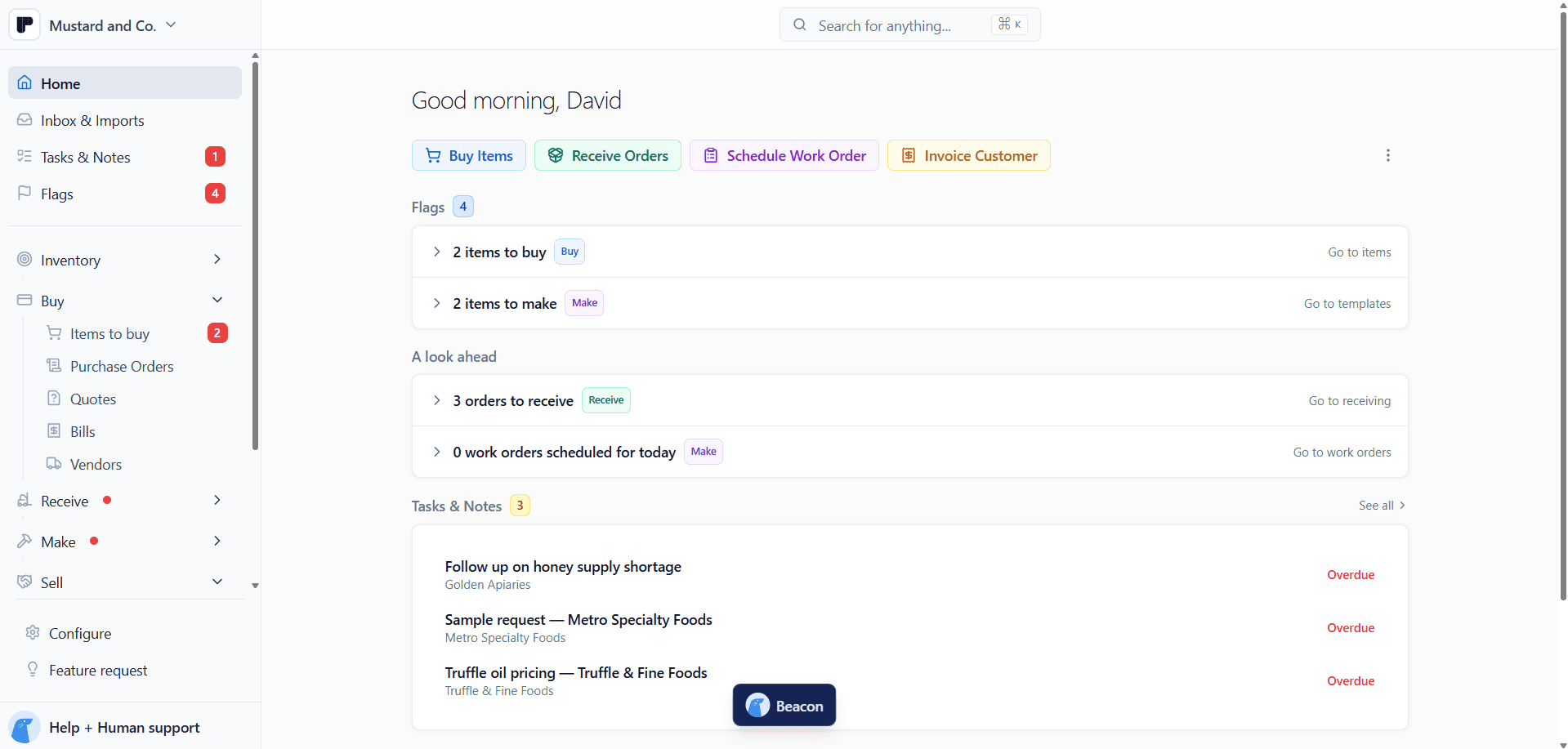
Peasy is free inventory ops for CPG brands. Everything you buy, receive, make, and sell sits in one place, between your store and your books.
Shopify both ways. Shopify orders flow in within seconds to minutes, and Peasy pushes updated counts back to Shopify as your inventory changes.
Wholesale in one place. Buyers order on your Storefront at their own catalog prices, above your Minimum order. Each order lands as a draft in Sell > Sales Orders. PDF purchase orders from customers become orders too.
Lots by default. Every receipt and every finished work order creates a lot record, with room for the supplier's lot ID.
Recipes and batch cost. A Template holds the ingredients and expected yield. Each work order deducts what it used, adds the finished goods, and costs the batch from the ingredients consumed.
Co-packers and 3PLs as locations. Each co-packer or 3PL is a location with its own count, so stock on their shelves sits next to yours.
QuickBooks Online for the books. Customers, vendors, invoices, bills, and items sync, so your bookkeeper works in QuickBooks without retyping.
Faire order import is in beta, and the accounting connection is QuickBooks Online only.
Peasy is free, with no subscription and no caps on items, users, or orders.
Article written by
Peasy