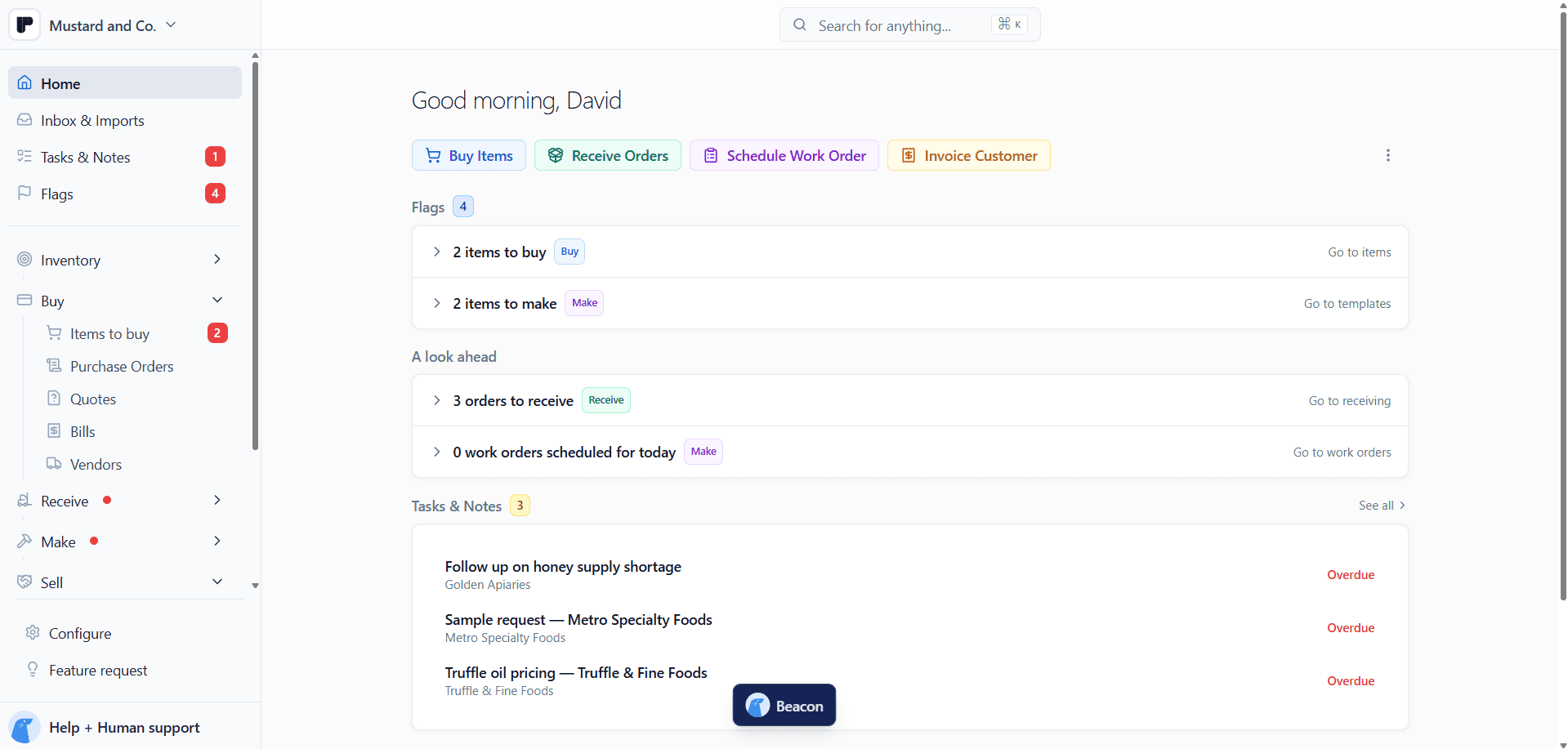
Count stock without the clipboard.
Count from your phone, one location or category at a time. Peasy shows you the difference before anything saves.
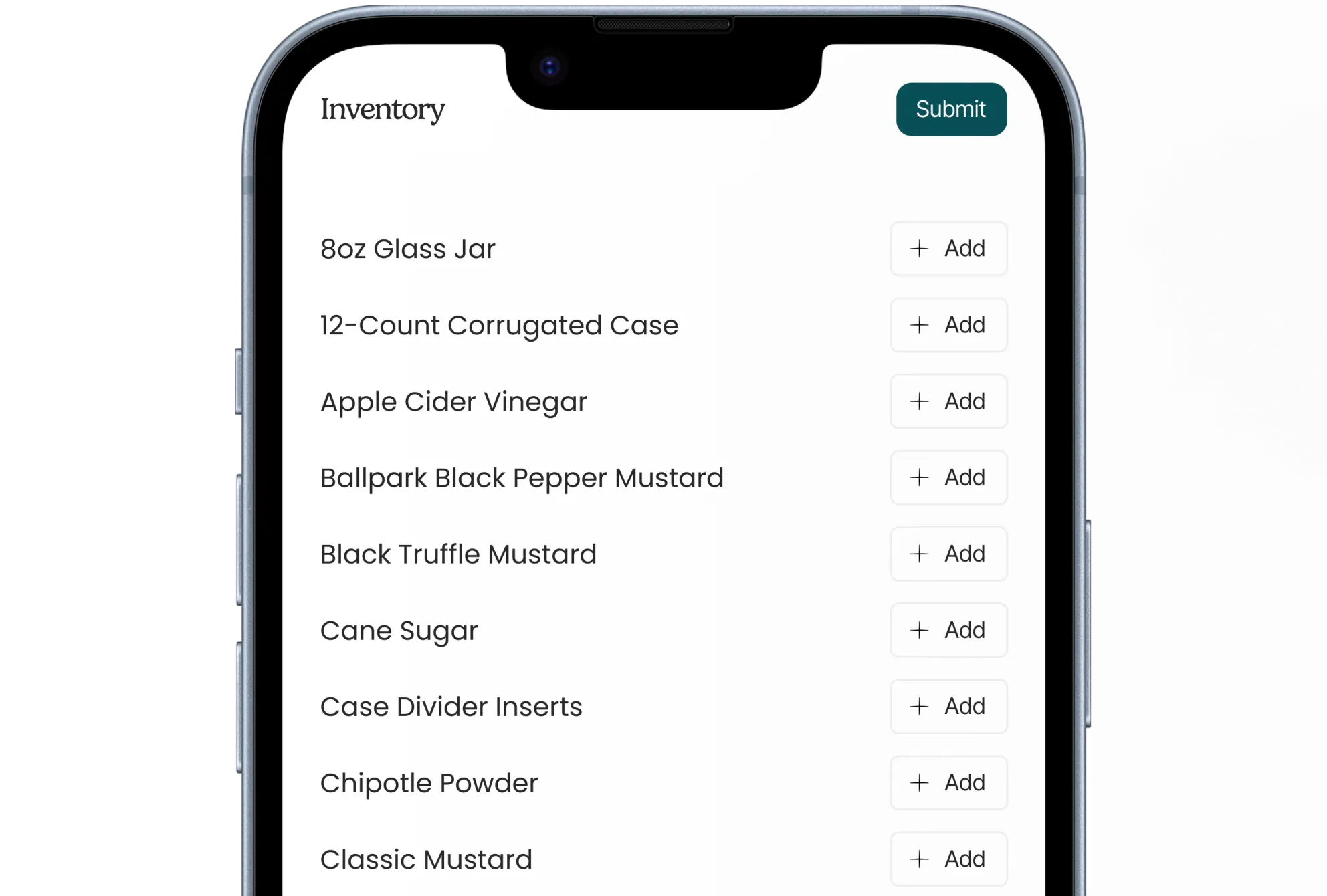
A cycle count is a count of part of your inventory, such as one shelf, one storage area, or one category, done on a regular rhythm instead of one big count at year-end. Small, frequent counts catch problems while they’re still small.
Peasy lets you count from your phone or bring in the count sheet you already use, then review every number before it touches your stock. Cycle counts are included free.
1
When counts live on a clipboard
2
How Peasy handles it
Pick a location or category, count on your phone in whatever unit is in front of you, and see the difference from what Peasy expected before you save.
3
What you get back
Count on your phone, in cases, bags, or eaches.


Review the difference before anything saves.
Every count sits in the inventory log, next to the receipts and runs that moved stock.

Counts you can actually plan around.
Running out of jars is rarely a buying problem. It’s usually a count that was never right. This is how Peasy keeps the number honest.
Count by location or category, so nobody has to count the whole warehouse at once.
Pick your unit and count in cases, bags, or eaches. It all lands on the same stock.
Review the result before saving, so a typo never becomes your inventory.
Bring your count sheet along: import spreadsheet counts, check item matches, and save them to one location.
Every count stays in the inventory log, so you can trace a change back to the count behind it.
Count reminders land in your to-dos, so the next count doesn’t get skipped. Cycle counts are included free, not a paid add-on you stack on top.


Peasy transformed our operations by preventing costly stockouts, powering better forecasting and planning through its dashboard, and delivering the relief of seeing exactly how much cash is tied up in our inventory, something we could never justify with expensive alternatives before.

Danny walsh
Peak State Coffee

Onboarding
Onboarding is easy Peasy
1
Sign Up
Create an Account
2
Custom Plan
We Customize Onboarding
We learn your priorities and design a custom onboarding plan.
3
Guided Onboarding
We Guide You Through It

FAQs
Questions you probably have


Is cycle counting really free?
Yes. Cycle counts are part of Peasy’s free core. We make money on payment processing when you run payments through Peasy.